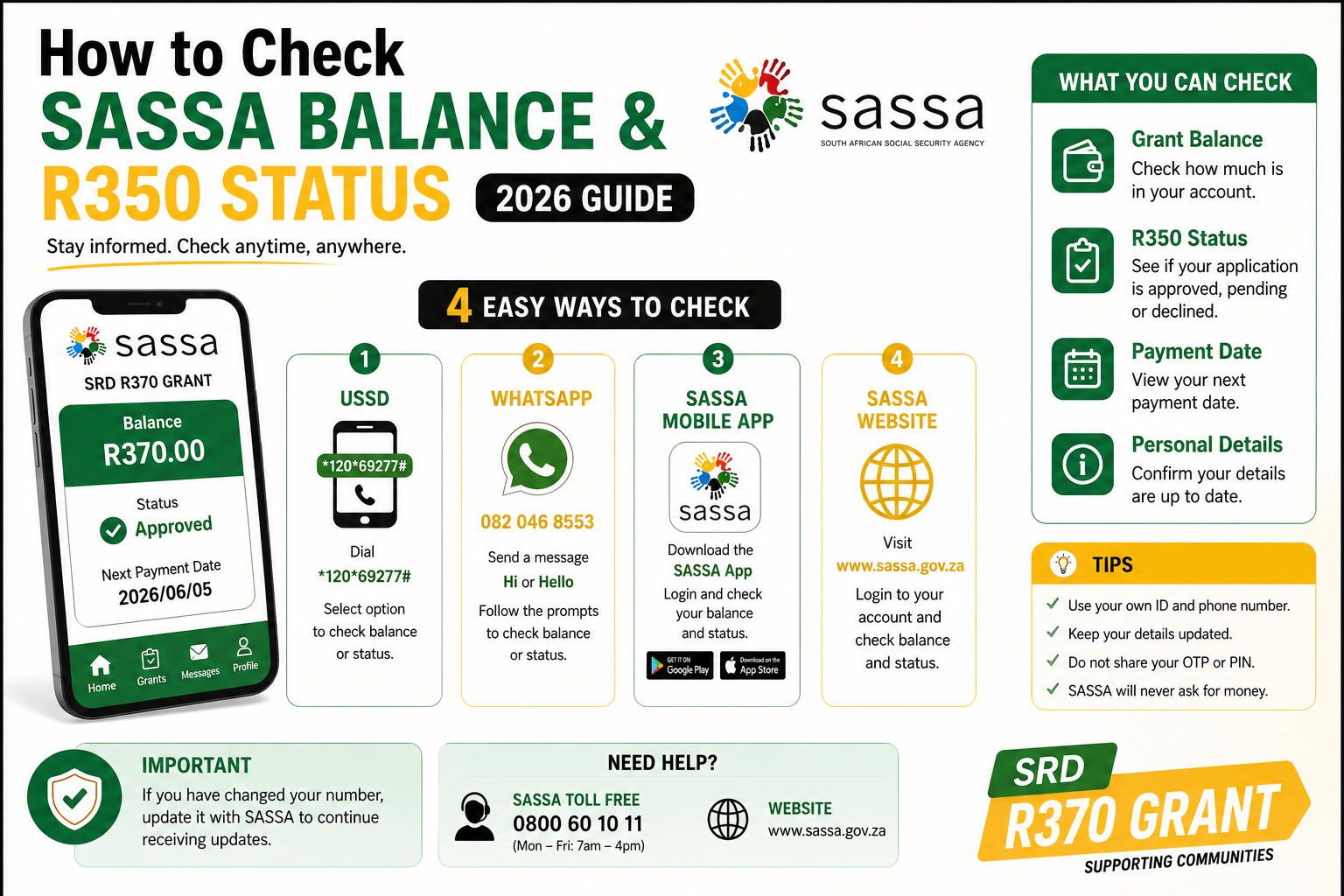
If you applied for the SASSA SRD grant, there are actually two different things people search for under “SASSA balance R350 status” — and they’re not the same thing:
- Status check — has SASSA approved, declined, or is still reviewing your application?
- Balance check — has the money actually landed, and how much is in your account?
This guide covers both, using only official SASSA channels, so you’re not left guessing.
Quick Answer
To check your SASSA SRD status: go to srd.sassa.gov.za, click Status Check, and enter your South African ID number and the cellphone number you used to apply. To check your balance (whether the money has paid out), check your bank app, dial your bank’s USSD balance code, use an ATM, or ask at the till at a retailer like Pick n Pay, Shoprite, Checkers, Boxer, or Usave.
Wait — Is It R350 or R370?
It’s the same grant. People still call it the “R350 grant” because that was the original amount when the Social Relief of Distress (SRD) grant launched in May 2020 during COVID-19. The amount was increased to R370 in April 2024, and it has stayed at R370 since then, carried through into the 2026/27 financial year that began on 1 April 2026. So when you check your status or balance today, R370 is the correct figure — R350 is just the name that stuck.
How to Check Your SASSA SRD Status (5 Ways)
1. The Official Online Portal (most reliable)
This is the method SASSA itself points you to first, and it gives the most detail.
- Go to srd.sassa.gov.za.
- Click Status Check (sometimes labelled “Click here to check online”).
- Enter your 13-digit South African ID number.
- Enter the cellphone number you used when you applied — it must match exactly, or the system won’t recognise you.
- Click Submit.
You’ll see your status for the current month, plus a history of previous payment cycles. If approved, a payment date usually appears alongside it.
2. WhatsApp
Useful if you’re low on data, since WhatsApp uses very little.
- Save 082 046 8553 to your contacts.
- Open WhatsApp and send a message (many guides suggest simply sending “SASSA” or “Hi”).
- Follow the menu prompts and select the status check option.
- Enter your ID number when asked.
3. USSD Code (no internet needed)
Dial *134*7737# from the cellphone number registered with your application, then follow the on-screen prompts to enter your ID number.
A heads-up: USSD codes for government services do shift over time, and you may see other codes floating around online. If *134*7737# doesn’t respond, don’t keep guessing — rather call the helpline below or use the website, since entering your details into an unfamiliar code is a common scam vector.
4. SASSA Call Centre
Call 0800 60 10 11 (toll-free) and select the option for SRD grant status. Keep your ID number ready. Lines are busiest mid-morning, so try early.
5. Moya App
The Moya app offers free, data-light access to SASSA services and is worth installing if you regularly struggle with data costs.
How to Check Your SASSA Balance (Has the Money Arrived?)
A status of “Approved” doesn’t always mean the money is in your account yet — it means SASSA has cleared you for payment. To confirm the actual balance:
- Bank account payments: Check your bank’s app, dial your bank’s own USSD balance code, or check at an ATM. Funds from SASSA usually reflect within one to two working days after your assigned payment date.
- Postbank card: Insert the card at any ATM and select balance inquiry, or check at a supported retail till.
- Cash at a retailer: Pick n Pay, Checkers, Shoprite, Usave, Boxer, and Spar can confirm and pay out your grant using your ID and registered phone number — no card needed at most of these.
- eWallet: Open the app directly; a deposit confirms payment.
Important note for Gold Card holders: SASSA’s Postbank Gold Card is being phased out in favour of the new Postbank Black Card, with a replacement deadline of 31 August 2026. After that date, Gold Cards stop working. If you haven’t swapped yours yet, do it before then to avoid being unable to access your balance.
What Your Status Result Actually Means
| Status | What it means | What to do |
|---|---|---|
| Approved | You qualify for this payment cycle | Wait for your payment date, then check your balance |
| Pending | Still under review | Check again in 24–48 hours; most resolve by the 15th of the month |
| Declined | Application rejected for this cycle only | Review the reason, then appeal if you disagree |
| Bank details pending | SASSA needs your payment details | Update your banking info on the portal |
Because SRD eligibility is checked fresh every month against SARS, UIF, NSFAS, and Home Affairs records, a “Declined” result one month doesn’t mean you’re permanently excluded — you may be approved again the next cycle.
Common Decline Reasons
- Means Income Source Identified — bank screening picked up deposits over the income threshold, even one-off ones like a gift or refund.
- Identity Verification Failed — your ID details didn’t match Home Affairs records.
- Active Alternative Grant — SASSA’s records show you’re already receiving another grant.
- UIF Registered — the Department of Employment & Labour has you down as receiving UIF income.
- DHA Registered Death — Home Affairs has a death recorded against your ID. This needs urgent correction at a Home Affairs office.
How to Appeal a Declined Application
- Go to srd.sassa.gov.za and click Appeal.
- Enter your ID number and registered cellphone number.
- Select the month you’re appealing.
- Choose the reason and submit supporting evidence (e.g., bank statements) if relevant.
You have 90 days from the decline date to lodge an appeal. Appeals are decided by the Independent Tribunal for Social Assistance Appeals (ITSAA) under the Department of Social Development.