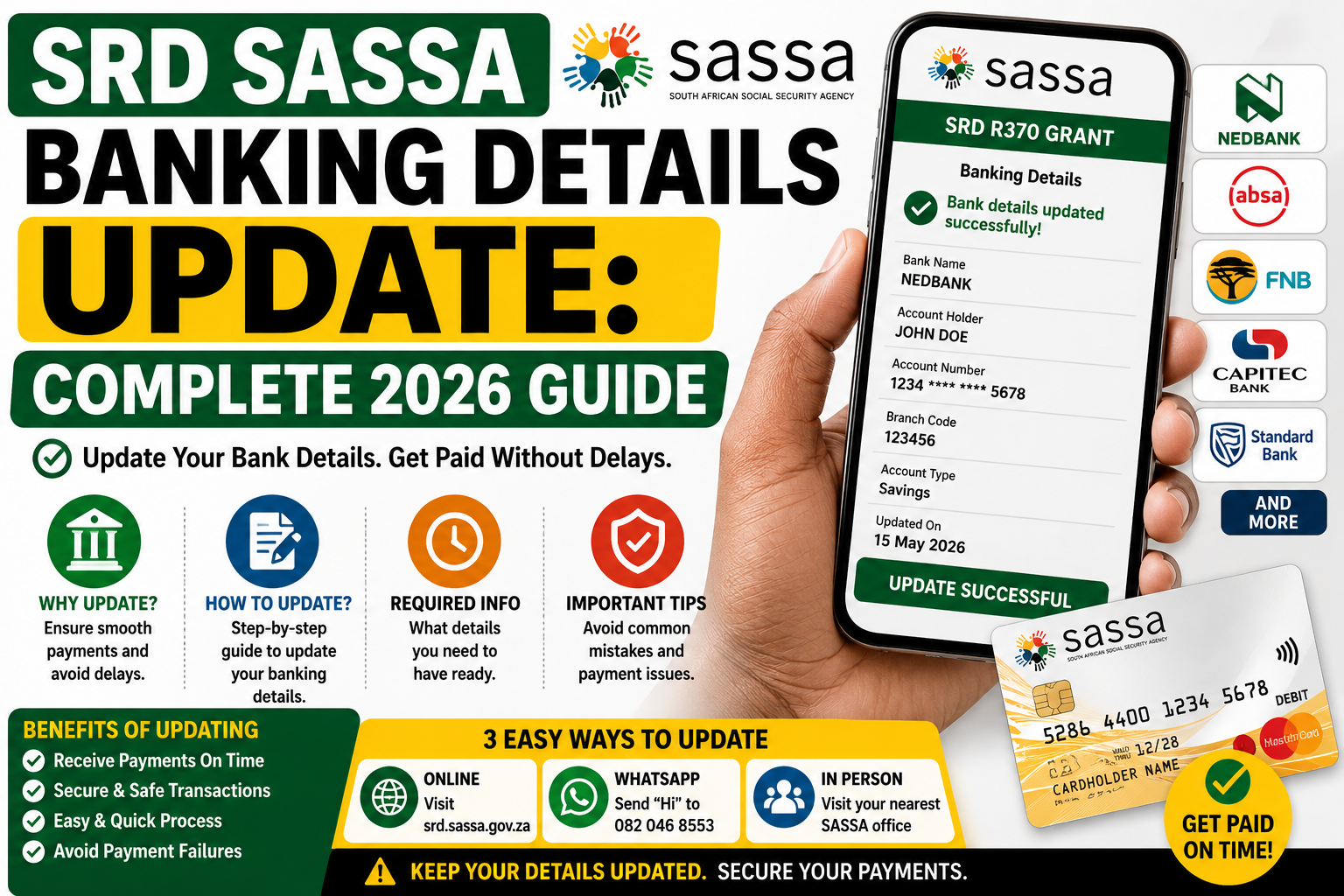
Update your SASSA SRD R370 banking details for 2026 with this complete guide. Learn how to change your bank account, avoid payment delays, and receive your grant on time.
What Is the SRD SASSA Banking Details Update?
The Social Relief of Distress (SRD) grant, commonly known as the R370 grant, is a monthly payment from the South African Social Security Agency (SASSA) for citizens, refugees, asylum seekers, and special permit holders aged 18 to 60 who have insufficient income and no other financial support.
The srd.sassa.gov.za banking details update is the official process that lets approved beneficiaries change or correct the bank account, Postbank account, or CashSend number where their monthly grant is paid. This step is essential because incorrect or outdated banking information is one of the most common reasons approved applicants don’t receive their payment.
Why You Might Need to Update Your Banking Details
There are several situations where updating your details on the SRD portal becomes necessary:
- Your SASSA status shows “Bank Details Pending” or a similar payment-related flag
- Your last payment bounced back or was reversed by your bank
- You closed your old account or switched to a new bank
- The account currently on file is not registered in your own name
- You want to switch from CashSend to a direct bank deposit, or vice versa
- Your status reads “Approved” but no payment has arrived
If your grant was declined for reasons like the means test, age, or identity verification issues with Home Affairs, updating your banking details will not fix the problem. Banking updates only resolve payment routing issues, not eligibility problems.
Step-by-Step Guide to Updating Your SASSA Banking Details
Follow these steps carefully to avoid delays or errors during the update process.
Step 1: Visit the Official Portal
Open your browser and type srd.sassa.gov.za directly into the address bar. Never click on links sent to you through SMS, WhatsApp, or social media claiming to be from SASSA, as these are frequently used in scams. Only the official domain is safe to use, and the process is completely free.
Step 2: Locate the Banking Details Option
On the homepage, find and click the option labeled “How do I change my banking details?” This will take you to the dedicated banking update page.
Step 3: Enter Your ID Number
Type in your 13-digit South African ID number exactly as it appears on your ID document or smart card. Double-check every digit before submitting, since even a single incorrect number can block the entire process.
Step 4: Receive and Enter Your OTP
SASSA will send a one-time PIN (OTP) via SMS to the mobile number registered during your original SRD application. Enter this PIN on the next screen to verify your identity.
Important: If you no longer have access to that phone number, you must update your registered cellphone number on the portal first. You cannot proceed with a banking update without a valid OTP.
Step 5: Complete Identity Verification
Once your OTP is confirmed, a screen titled “Bank Details Update” will appear. Click “Verify Identity” to continue. This step is mandatory and often works best on a mobile phone. If you’re on a computer, you may be asked to scan a QR code with your phone camera, or you can continue directly on your computer if no scanner is available.
Step 6: Choose Your Payment Method
You’ll be given the choice between a few payment options:
- Bank account deposit – enter your account number, branch code, and account type
- Postbank account
- CashSend – collect your grant in cash at participating retailers using an SMS code
Step 7: Submit and Confirm
Carefully review the details you’ve entered on screen before final submission. Once submitted, your update triggers a verification process against the bank’s own records. No payment will be released into the new account until this verification is complete.
Important Rules for Bank Accounts
SASSA enforces strict rules to protect beneficiaries from fraud:
- The account must be in your own name. SASSA cannot and will not pay your grant into someone else’s bank account, even a family member’s.
- CashSend numbers must also be registered to you. If you choose the mobile money transfer option, the phone number must be registered in your own name.
- Any South African bank is accepted, including Capitec, Absa, FNB, Standard Bank, Nedbank, and TymeBank.
How Long Does Verification Take?
After submitting your update, allow a full payment cycle for the change to take effect. If you submit your update close to a scheduled payment date, the change may only be reflected in the following month’s payment cycle rather than the current one. Verification against your bank’s records commonly takes anywhere from a few business days to around two weeks, depending on the volume of requests SASSA is processing.
To avoid missing a payment cycle, try to submit any banking changes as early in the month as possible, well before the payment window opens.
Using TymeBank or the Moya App
Many SRD beneficiaries have switched to TymeBank because it has no monthly account fees and allows free cash withdrawals at Pick n Pay and Boxer stores nationwide. You can open a TymeBank account in a few minutes at any Pick n Pay or Boxer kiosk using just your fingerprint and ID, then update your SASSA banking details to reflect the new account.
If you have limited or no data, the Moya App offers a zero-data way to manage your SRD grant. Through the app you can update your banking details, check your payment status, and track payment dates, all without using airtime or mobile data.
Common Mistakes That Delay Your Payment
Avoid these frequent errors when updating your banking details:
- Entering an account not in your own name. This results in automatic rejection.
- Forgetting to update your phone number first. If your number has changed, the OTP will never reach you.
- Updating details too close to the payment date. Your change may not apply until the following cycle.
- Using unofficial third-party websites. Only srd.sassa.gov.za is legitimate.
- Repeatedly resubmitting the form. This can create conflicting requests and slow down verification further.
How to Avoid SASSA Banking Scams
Fraud targeting SRD beneficiaries is unfortunately common. Keep these safety rules in mind:
- SASSA staff will never ask for your banking PIN, card PIN, OTP, or password over the phone or via SMS.
- SASSA will never ask you to pay a fee, buy airtime, or purchase vouchers to update or “unlock” your grant.
- Never submit your banking details through a link received via SMS, WhatsApp, or a third-party website.
- Always confirm the web address begins with srd.sassa.gov.za before entering any personal information.
- If you suspect fraud or receive a suspicious message, report it to the SASSA fraud hotline at 0800 601 011.
Alternative Ways to Update Your Details
If you’re unable to complete the update online, you have a few other options:
- SASSA Call Centre: 0800 60 10 11
- In person: Visit your nearest SASSA office with your ID document
- Moya App: Update your details through the SASSA Services section without using data
Final Thoughts
Updating your banking details on srd.sassa.gov.za is a straightforward process that takes only a few minutes when you have your ID number and registered phone handy. Because incorrect banking information is one of the leading causes of delayed or missed SRD payments, it’s worth double-checking your details regularly, especially after switching banks or phone numbers. Always use the official portal, never share your OTP with anyone, and submit updates early in the month to make sure your R370 grant reaches you on time.
Frequently Asked Questions
Is there a fee to update my SASSA banking details?
No. SASSA never charges a fee for this service. Anyone asking for payment is attempting to scam you.
Can someone else update my banking details on my behalf?
No. Only the approved grant recipient can update their own banking information, using their own ID and registered phone number.
What happens if I entered the wrong account details?
Log back into srd.sassa.gov.za as soon as possible and correct the information. If you’re unable to fix it online, call the SASSA call centre immediately to avoid missing your next payment.
Can I use any South African bank account?
Yes, as long as the account is a standard savings or transactional account registered in your own name and matches your ID number exactly.